 AUTOB
AUTOB features
Background placement PRO3D backgrounds on
3D backgrounds on
storyboard panels
Import a storyboard and AUTOB finds the panels automatically. Pick a panel, set the composition, and save it as a scene.

Open 3D filesEven heavy 3D files,
Even heavy 3D files,
lines first
Convert once to the fast format and files open with lines first from then on. Fill in surfaces and textures when you need them.
Project folders PROStoryboards sorted
Storyboards sorted
by episode
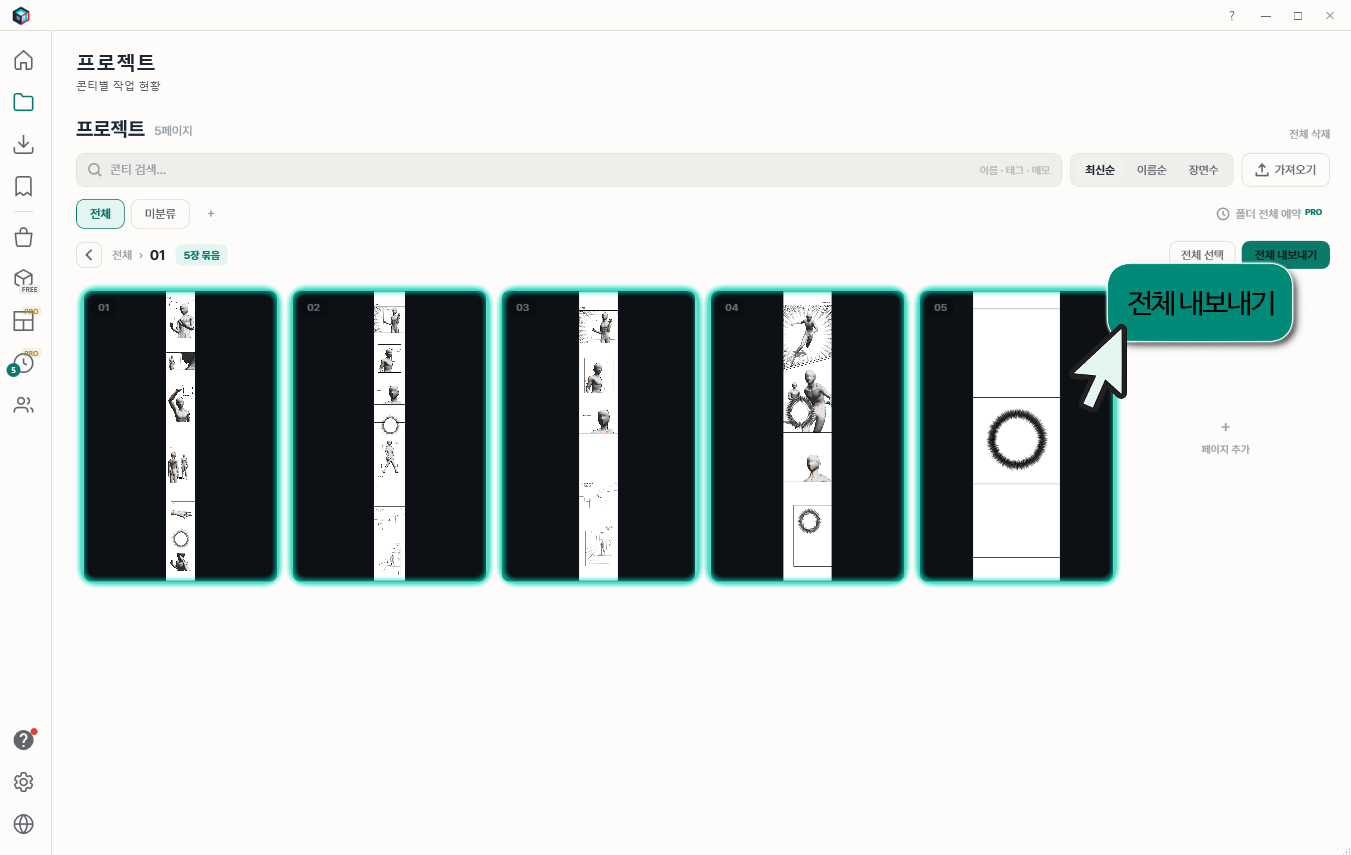
Keep storyboards in folders by episode, and add a whole folder to scheduled jobs.
Batch export PROMany panels,
Many panels,
exported at once
Export saved scenes to PSD, CLIP or PNG with every panel in place. Put several episodes into scheduled jobs to export them in order.
Adjustments · SkySet the mood with
Set the mood with
adjustments and sky
Pick adjustments like sunset or night, and lay down backgrounds like a clear sky or the Milky Way.
